

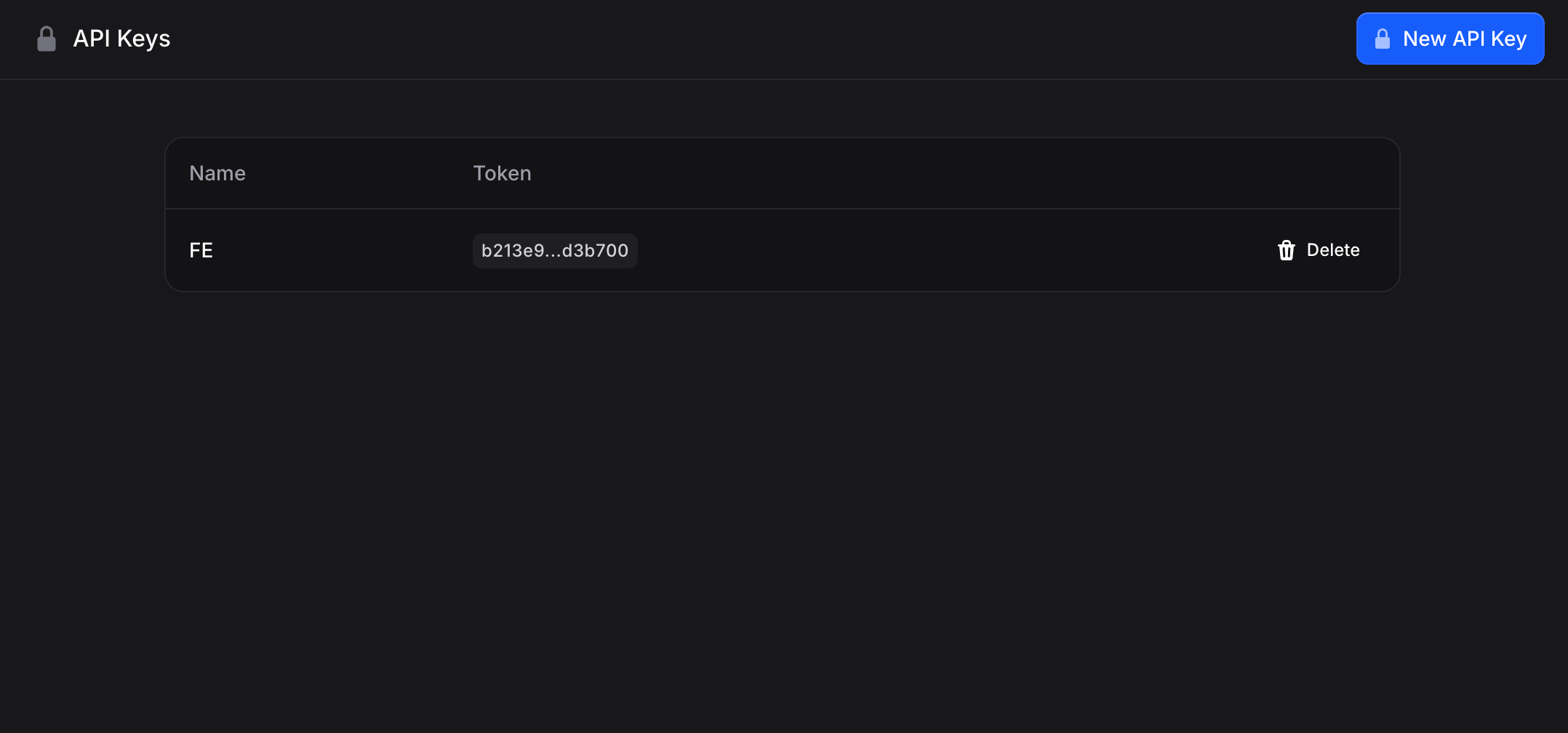
Creating an API Key
- Go to Settings → API Keys (useinvent.com/o/settings/api-keys)
- Click New API Key in the top right
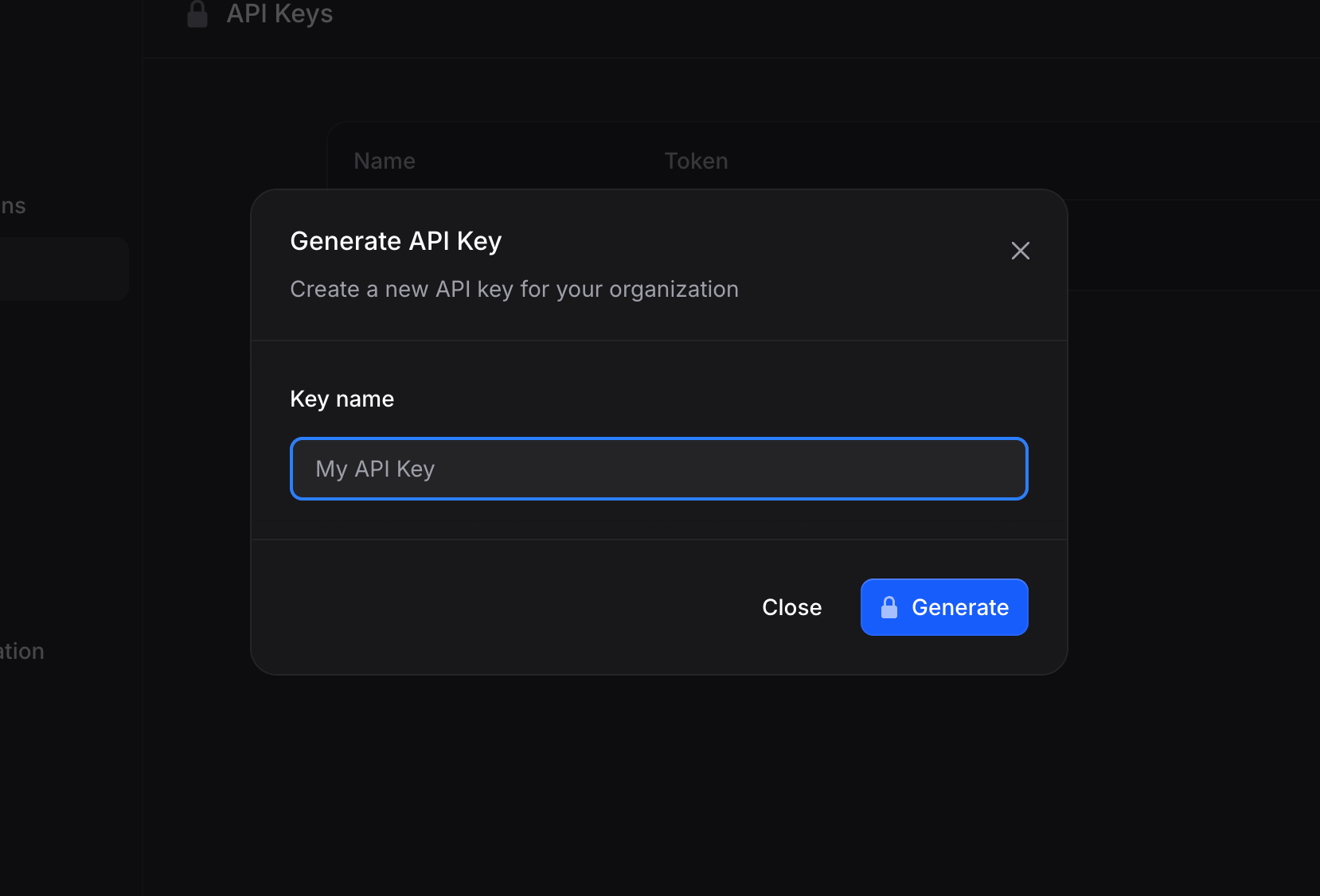
- Enter a name for your key (e.g., “Production Server” or “Development”)
- Click Generate
- Copy the API key immediately - you won’t be able to see it again
Using API Keys
Include your API key in theAuthorization header of your requests:
Organization in the URL
Most API resources live under an org-scoped path:Parent organization keys and sub-organizations
An API key created in a parent (agency) organization can be used to call every org-scoped endpoint for any of its sub-organizations: the same routes you use for a normal organization, with the sub-organization’s id after/orgs/ (for example https://api.useinvent.com/orgs/SUB_ORG_ID/assistants).
- With a parent key, a path without an org id always means the parent org. To hit a sub-org, put that sub-org’s id after
/orgs/. - A key created in a sub-organization can only access that sub-org (and not sibling sub-orgs or other organizations), unless you use a separate key from the parent.
Managing API Keys
Each API key shows:- Name: The identifier you provided
- Token: A preview of the key (full key only shown once at creation)
- Rotate: Generate a new token for the key and invalidate the current one. The old token stops working immediately, so any integration using it fails until you update it with the new token. As with creation, the new token is shown only once, copy it right away.
- Delete: Remove the key to revoke access. Confirm the deletion, after which any services using that key immediately lose access.
Security Best Practices
- Use descriptive names: Name keys by their purpose (“Production”, “Staging”, “Local Dev”)
- Rotate keys regularly: Delete old keys and create new ones periodically
- Never commit keys to code: Use environment variables instead
- Delete unused keys: Remove keys that are no longer needed
- Use separate keys for different environments: Don’t share keys between production and development
API keys vs webhook signing secrets
An API key authenticates you to Invent. A webhook signing secret (whsec_…) authenticates
Invent to your server — it signs the payloads we POST to your endpoint, and it grants no
access to your organization. Each webhook endpoint has its own secret, rotated independently of
your API keys. See Webhooks.
API Documentation
For complete API documentation, including endpoints, parameters, and examples, visit the API Reference. The Invent API uses REST principles with:- Base URL:
https://api.useinvent.com - Authentication: Bearer token (your API key)
- Rate Limit: 500 requests per minute per IP address
- Response Format: JSON