

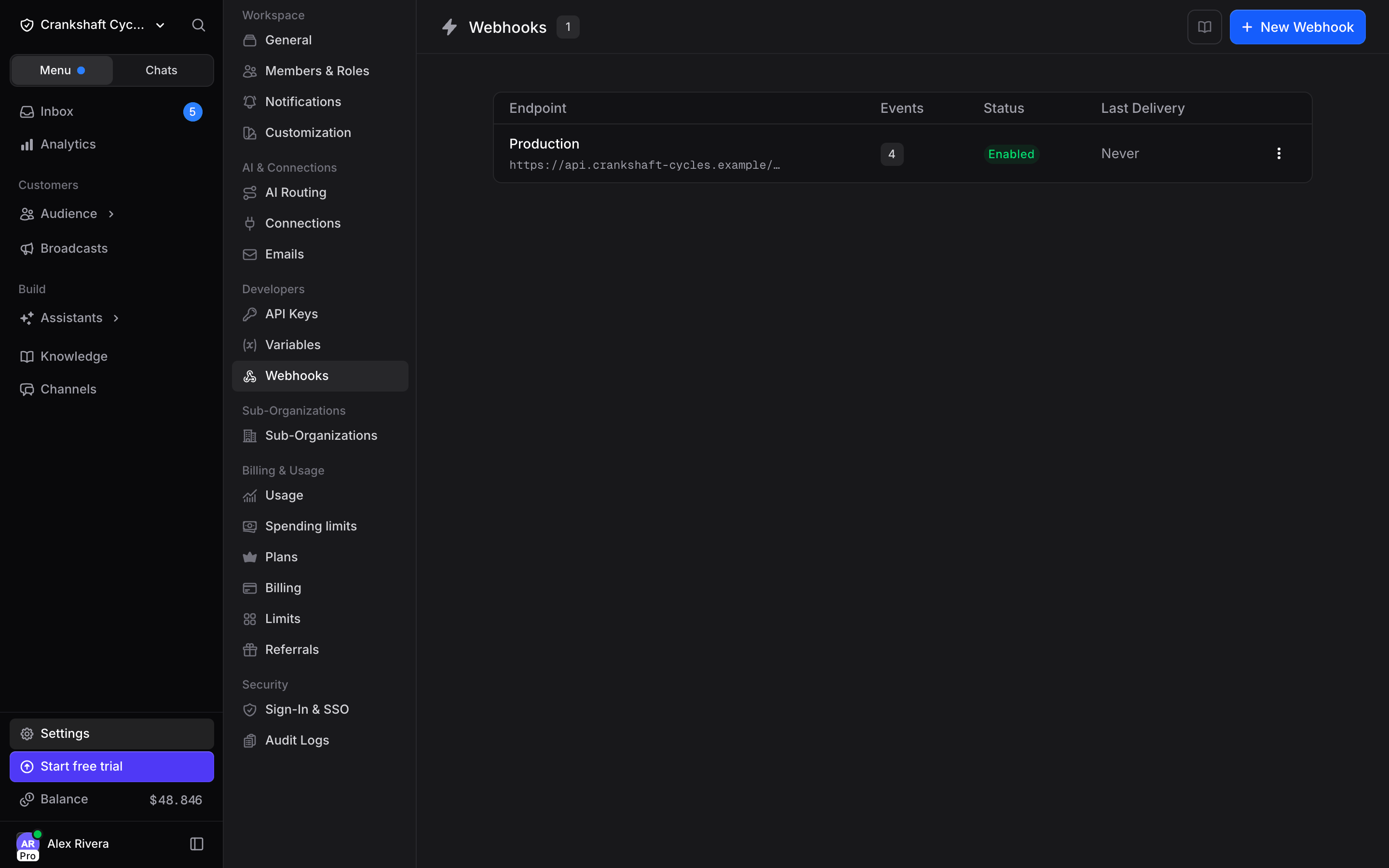
This page covers managing endpoints in the app. For the payload shape, the event catalog, signature verification, and code samples, see the Webhooks API reference.
Creating an endpoint
1
Click New Webhook
Enter the endpoint URL that receives the requests. It has to be HTTPS, and it cannot be a private or loopback address. When you save, Invent sends a code to the URL, and the URL has to reply with that code before the endpoint is added. How to answer it.
2
Pick the events
Subscribe only to what you act on. You can change the selection later.
3
Copy the signing secret
It is shown once, right after creation. Store it in your secret manager.
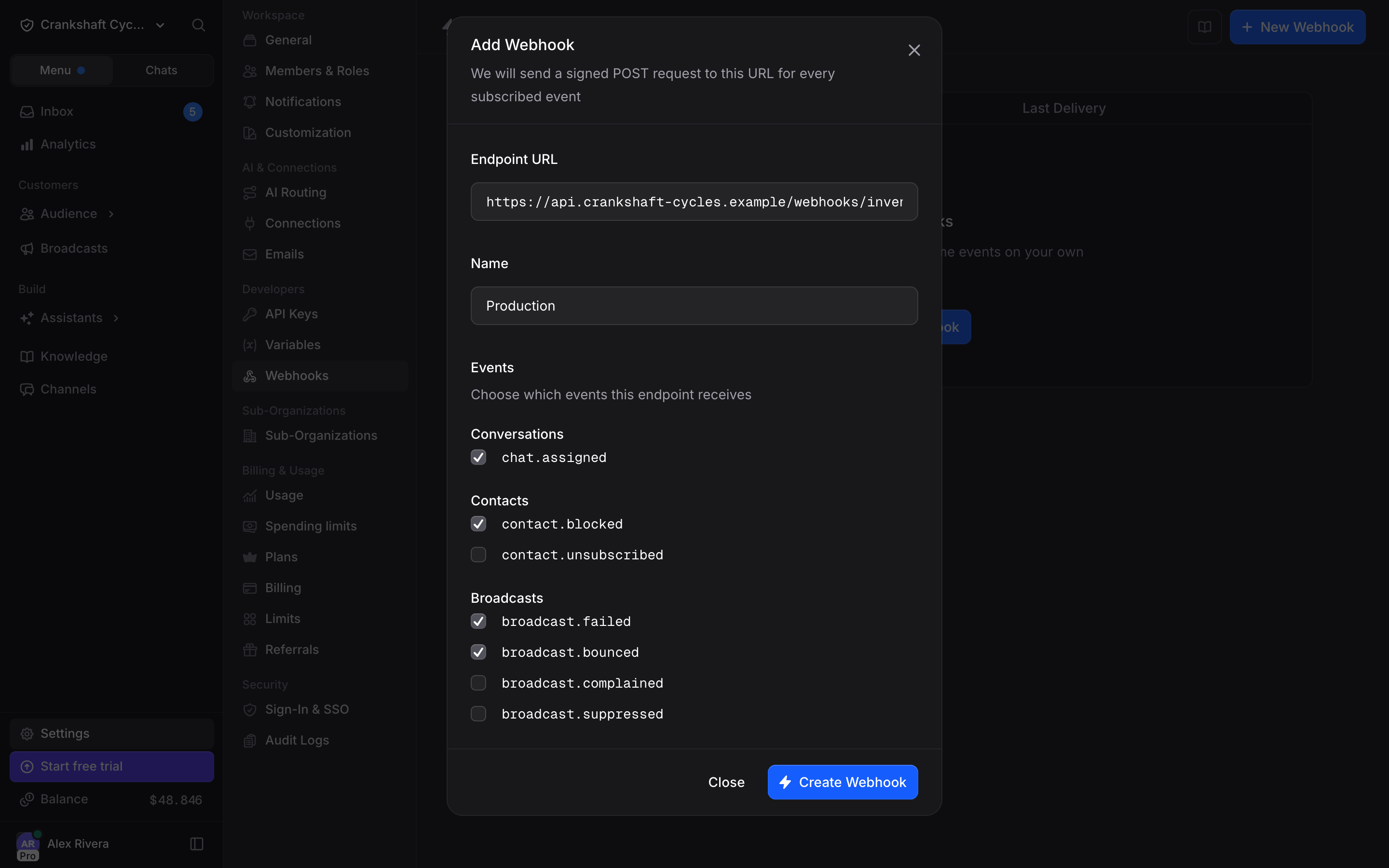
The events you can subscribe to
The catalog is deliberately narrow: these are events an external system has to act on. Routine create and update traffic belongs to the API, not to a push feed.
Managing an endpoint
The options menu on each row holds everything else.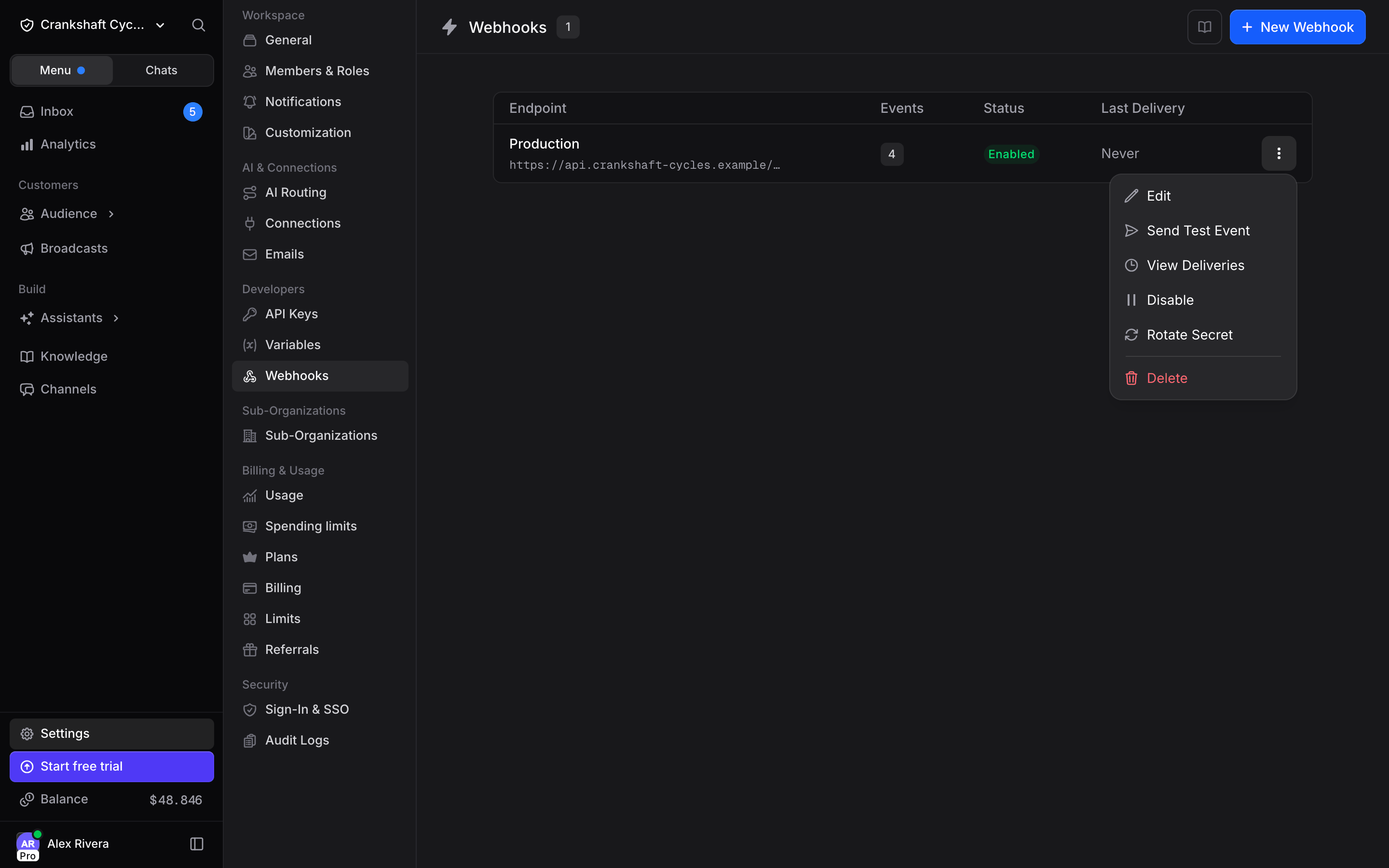
Watching deliveries
View Deliveries lists every attempt from the last 7 days, most recent first.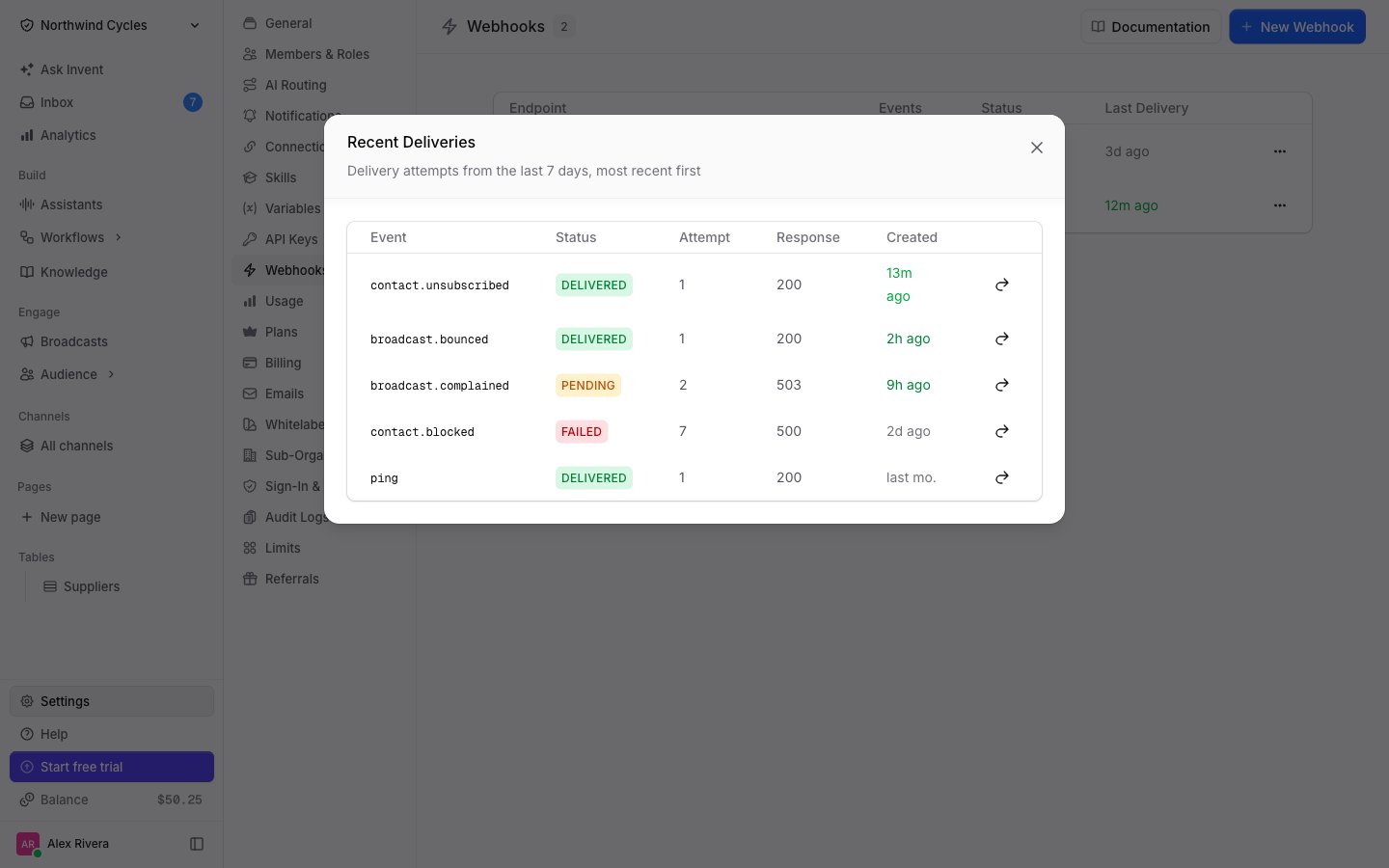
- DELIVERED: your endpoint returned a
2xx. - PENDING: the attempt failed and a retry is scheduled.
- FAILED: every retry was used up.
- SKIPPED: the event was not sent, because the endpoint was disabled or the organization had no balance to cover the outbound request.
When deliveries fail
Failed attempts are retried on a widening schedule (5s → 5m → 30m → 2h → 5h → 10h), seven attempts in total. Requests time out after 10 seconds, so acknowledge fast and do the real work afterwards. An endpoint that fails 30 deliveries in a row is disabled automatically, and the reason is shown on the endpoint. Fix your side, then enable it again, which clears the failure streak. Delivery is at-least-once and order is not guaranteed, so make your handler idempotent and deduplicate on the event id.Next Steps
Webhooks API reference
Payloads, headers, signature verification, and code samples
API Keys
Manage endpoints programmatically instead of in the app