

Email Notifications
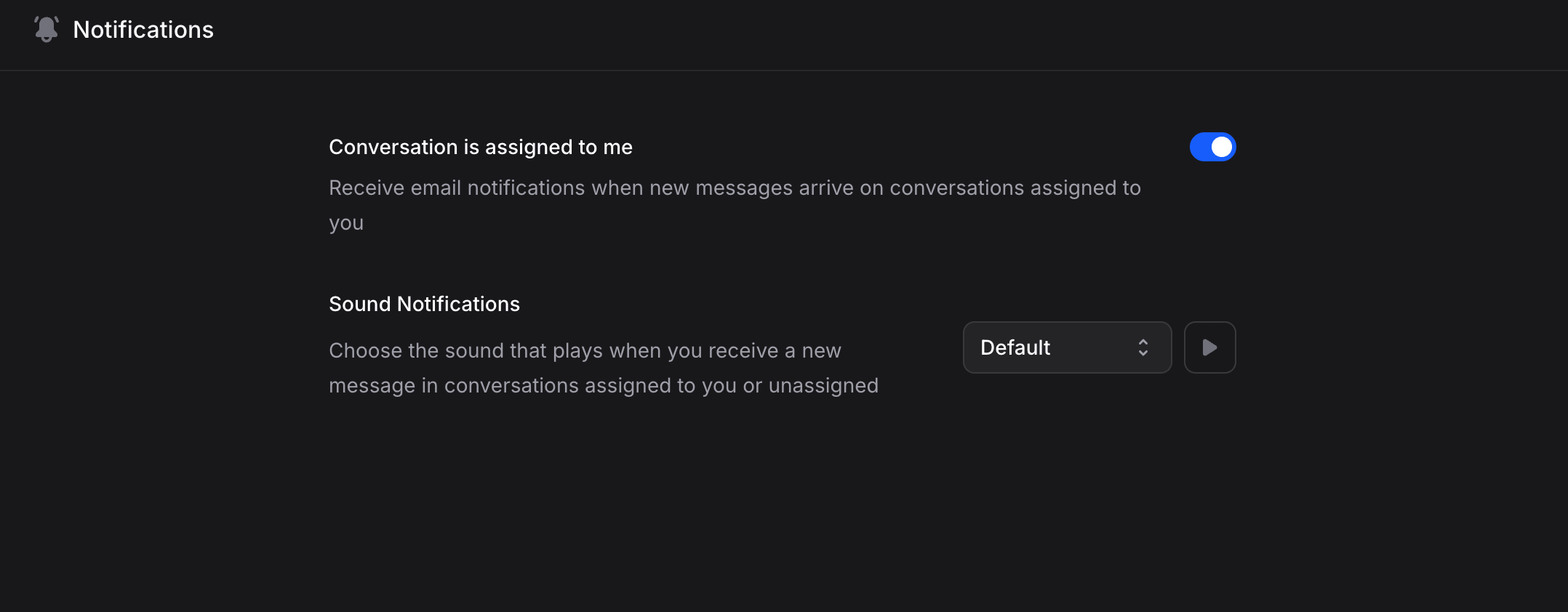
Conversation is assigned to me
Toggle this on to receive email notifications when new messages arrive on conversations assigned to you. This is useful for members who handle human handoffs and need to respond quickly. When enabled, you’ll get an email each time a customer sends a new message in a conversation where you are the assigned member.Billing Notifications
Billing alerts
Toggle this on to receive email alerts when the balance runs low or out, the spending cap is reached, or a payment fails. This section is only visible to members with billing permission.Sound Notifications
Choose the sound that plays when you receive a new message in conversations assigned to you or unassigned. This helps you stay aware of incoming messages while working in the dashboard. Available sound options:
Click the play button next to the dropdown to preview any sound before selecting it.