

Connection links require a Business or Enterprise plan. A sub-organization uses its parent’s plan. View plans
Sending a Link
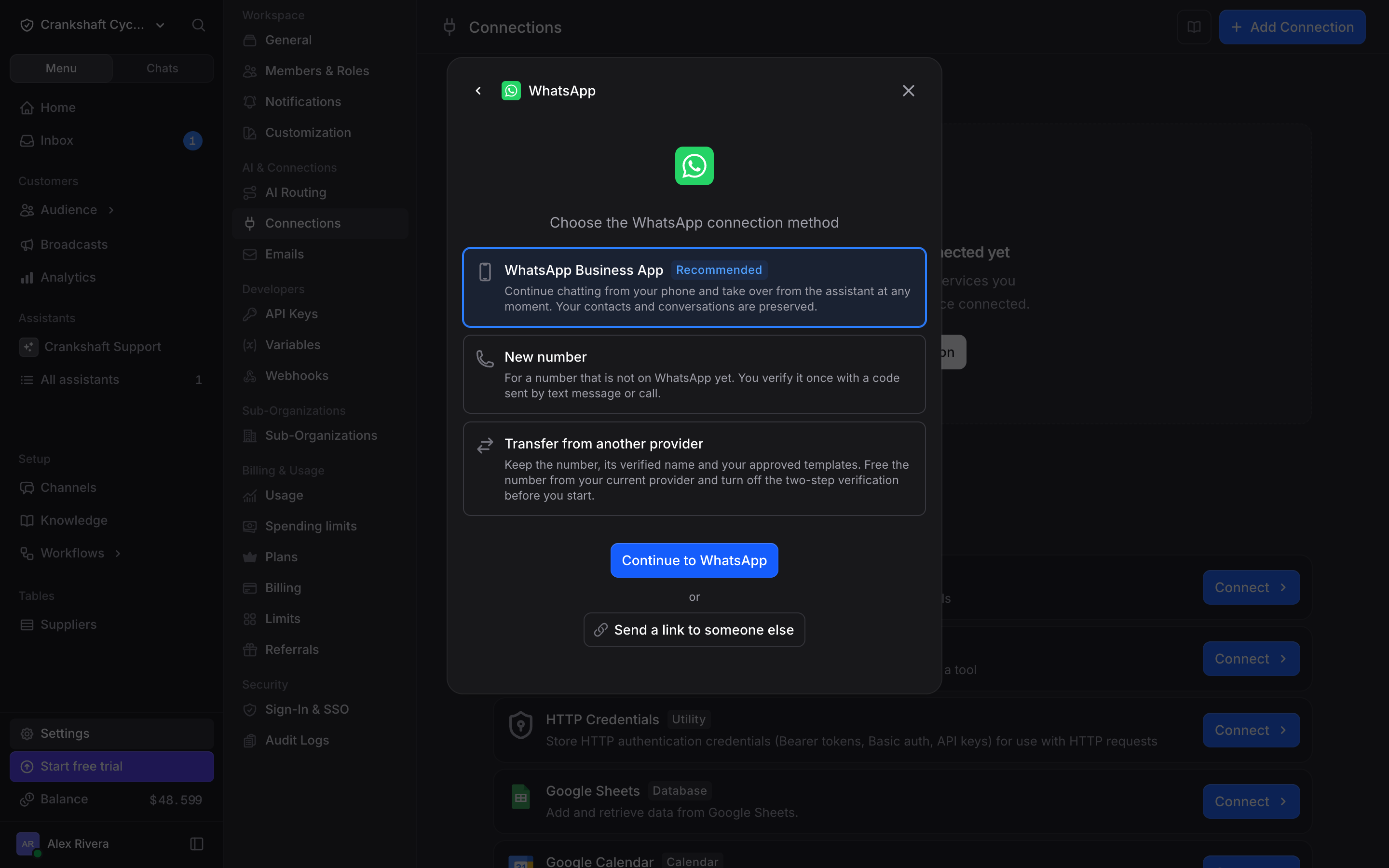
- Go to Settings → Connections.
- Click + Add Connection, then Send a connection link, and pick the app. You can also open any app and click Send a link to someone else under its connect button.
- Choose how long the link works: 1 hour, 24 hours or 7 days (the default).
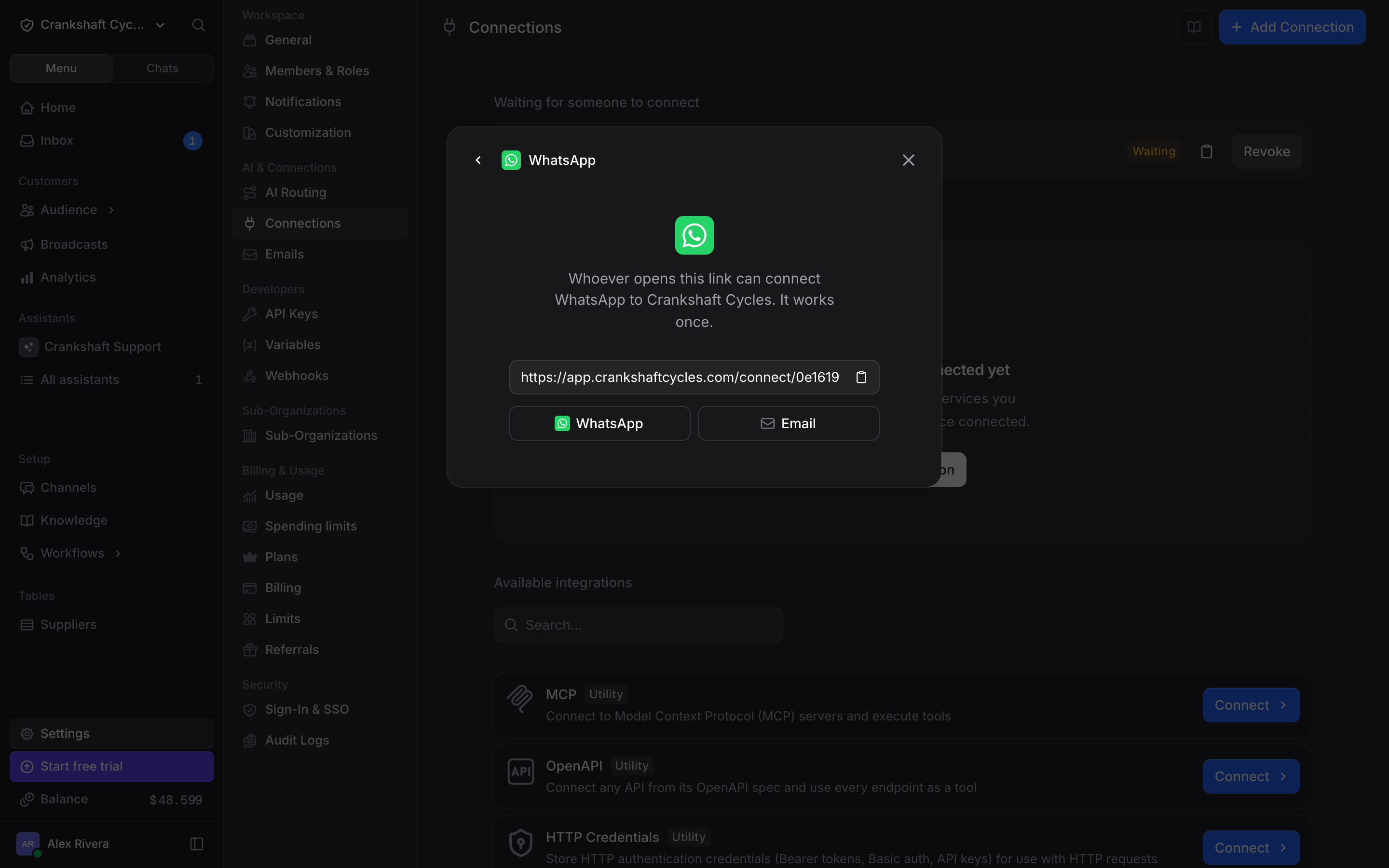
- Click Create link, then copy it or share it by WhatsApp or email.
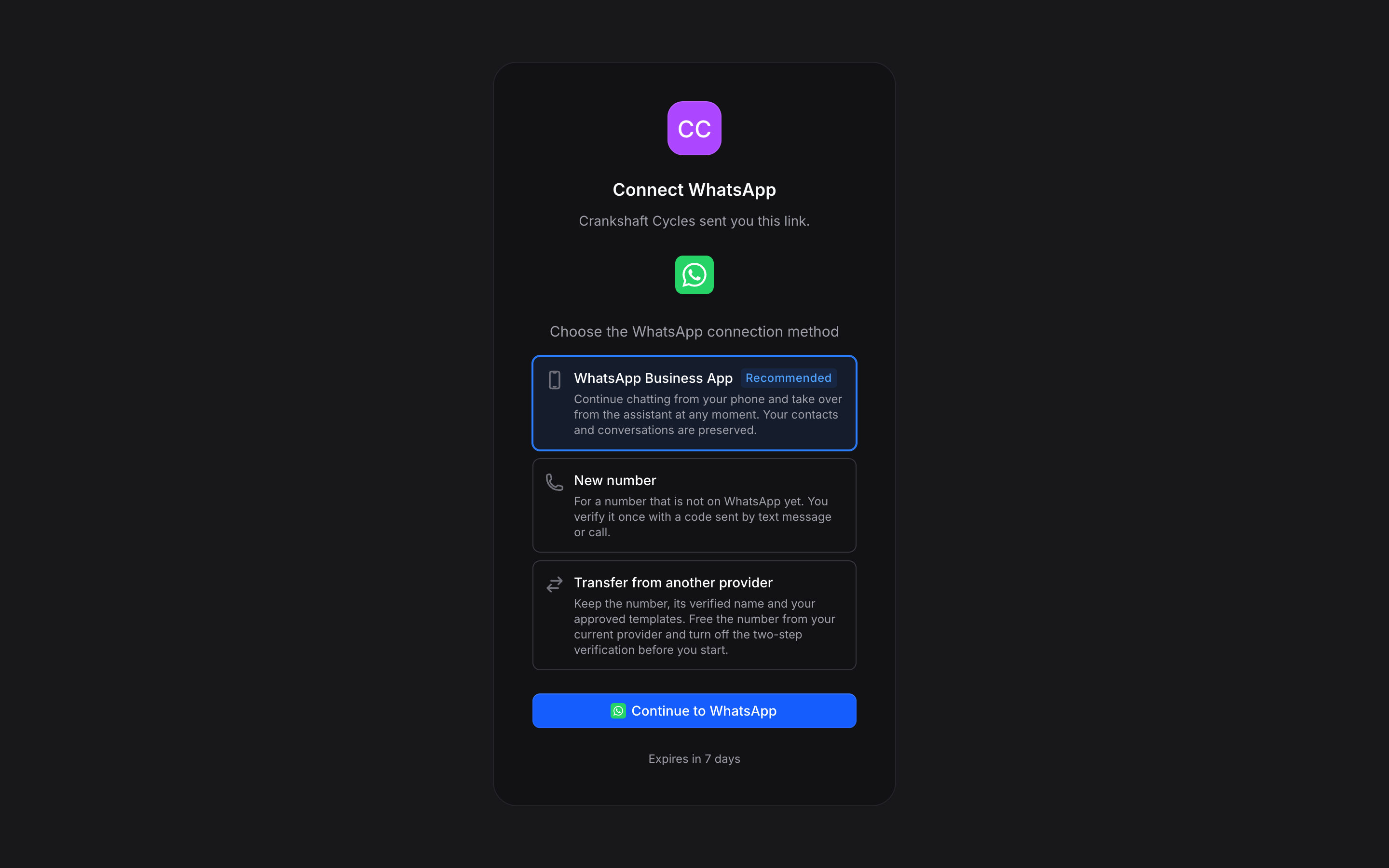
What the Person Sees
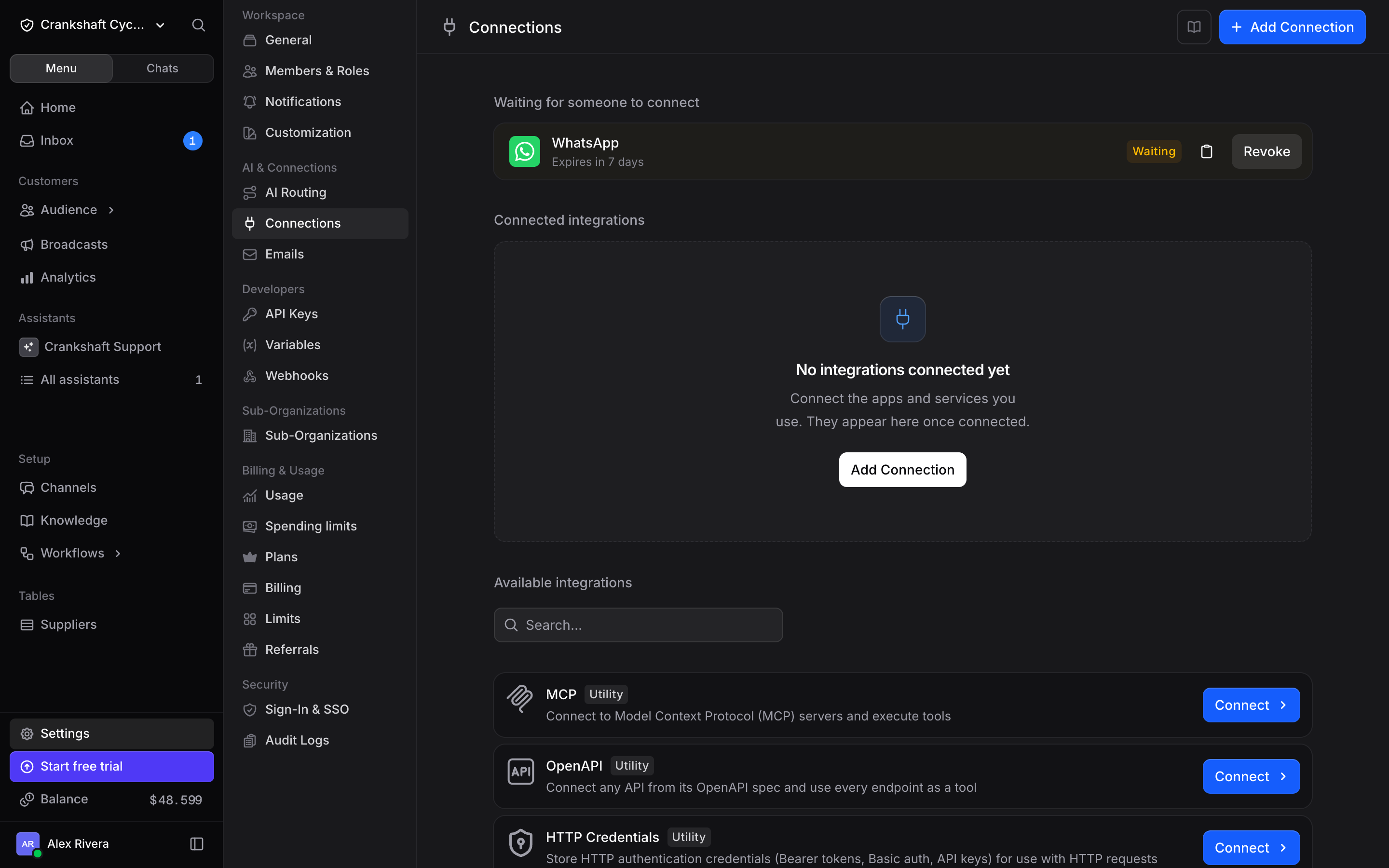
Waiting Links
Rules
Reconnecting
When a connection needs fixing, click Fix, then Reconnect, then Send a link to someone else. To refresh a connection that still works, open it and use the arrow next to Reconnect. For an app that connects with a key, open the connection and click Send a link to someone else. The link repairs that connection: the person signs in again or enters a new key, and no new connection is created.API
You can create, list and revoke connection links with the API under/orgs/{org_id}/connections/links. See the API reference.